SkipTo › Kick VOD chapters
Chapters for Kick VODs
A Kick VOD is often six, eight, ten hours long, with nothing on the timeline to tell you where anything is. SkipTo adds the missing chapters.
Add to Chrome, it’s freeSections on the Kick timeline
With SkipTo installed, open a Kick VOD: pink section marks appear above the progress bar, each with a title. Hover a mark to see what that part is about, click it to jump. Click the pink magnifier with nothing typed to see all the sections in a list, with their start time and length.
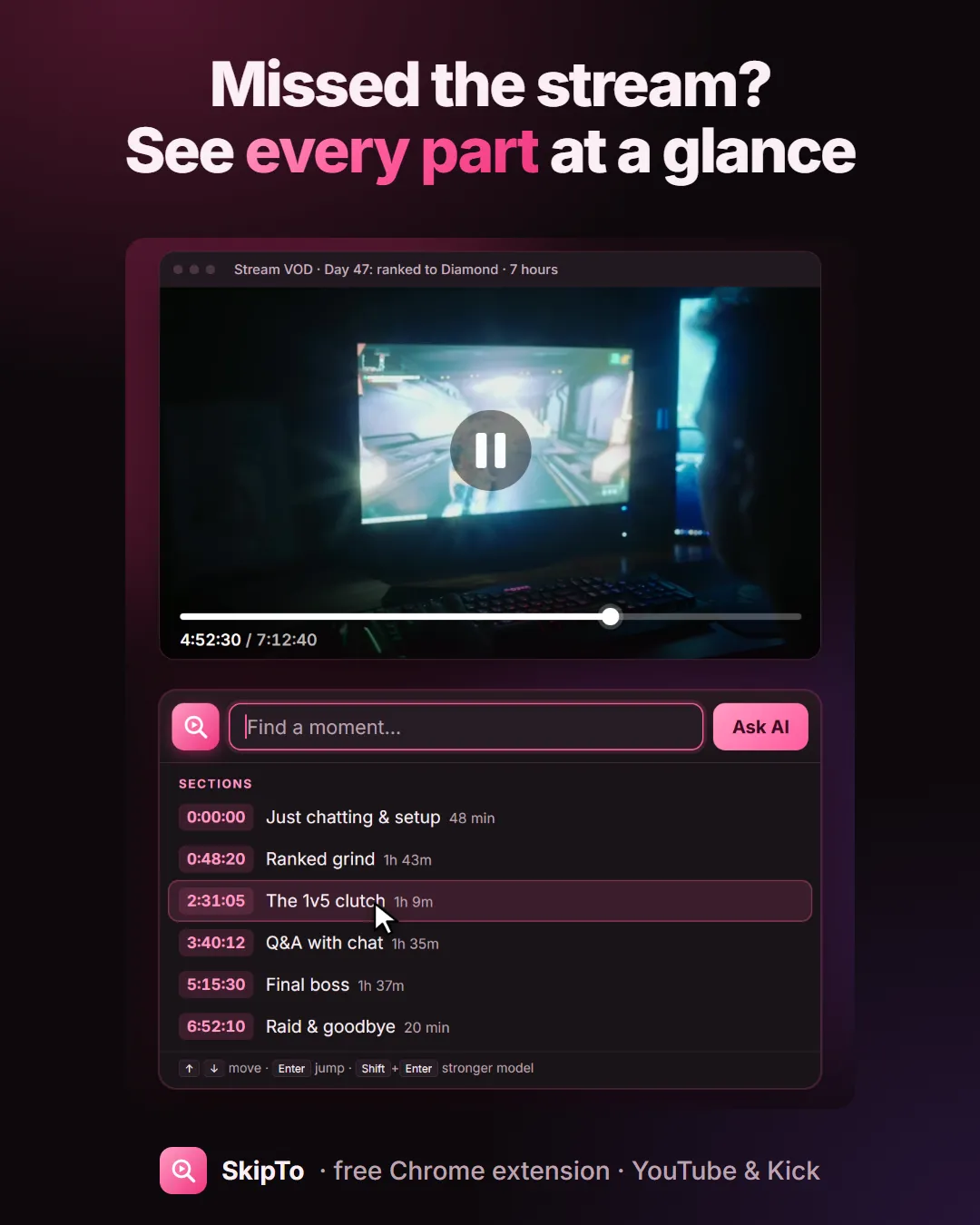
Search what was said
Looking for one moment rather than a section? Type a word or a line in the SkipTo box: matching moments appear as you type. Or describe it, “when the raid comes in”, and press Enter.
Which Kick VODs work
SkipTo reads the VOD’s captions. Kick has published captions for streams since about 10 November 2026, so VODs from then on work. Older VODs have no captions and can’t be searched.
Also on YouTube
Many streamers upload their VODs to YouTube too. SkipTo works there the same way, and also marks sponsor reads.
Questions
Does Kick have chapters for VODs?
Kick doesn’t show chapters on VODs. SkipTo adds sections to the timeline of Kick VODs that have captions.
Why doesn’t an older Kick VOD work?
SkipTo needs the VOD’s captions, and Kick only has them for streams from about 10 November 2026 onward.
Is it free?
Yes, SkipTo is free, with no account.
Every Kick VOD, with chapters.
Free for Chrome, Edge, Brave and Arc on desktop.
Add to Chrome, it’s freeMore guides
Search inside a YouTube video
Type a word or a line you remember and jump to the exact second it was said.
Find a moment in a stream VOD
Missed the stream? Catch up by section, or type what you remember from it.
Skip sponsor reads on YouTube
Sponsor segments are marked on the timeline, with a Skip button or auto-skip.
Find a quote in a podcast
Three-hour episode, one line you half remember. Type it and jump there.